What to Do When Your Business Is Locked Out During the Day
A commercial lockout during business hours is a different situation than a residential one. Customers may be waiting, employees are standing around, and every minute of downtime affects revenue. The pressure to solve it quickly is real, but rushing into the wrong solution can cost more time and money later. Knowing the right steps ahead of time helps you stay calm and get back to work with minimal disruption.
This guide walks through the practical sequence of actions to take when your business is locked out during operating hours. It covers what to check first, who to call, how to handle security and safety concerns, and what to do after the door is open again. Follow the steps in order, and pay attention to the things that often trip people up at each stage.
Step 1: Confirm the situation and check for simple solutions
Before you panic, take a minute to confirm that you really are locked out. It sounds obvious, but many supposed lockouts turn out to be a sticky latch, a dead battery in an electronic lock, or a door that just needs a firmer push. Walk around the building and try every accessible entrance. Sometimes a side door or a rear delivery entrance was left unlocked by a staff member who arrived early.
If you have a keyless entry system, check whether the keypad or card reader is working. A low battery in the reader or a disconnected wire can make a lock seem broken when it is not. For traditional cylinder locks, try the key in the lock with a gentle wiggle. A lock that feels stiff may just need a shot of dry lubricant, not a full replacement.
Watch out for the temptation to force the door. Prying, kicking, or using tools you are not trained to handle can damage the door frame, the lock, or the panic bar. A damaged panic bar can create a life-safety hazard if the building ever needs to be evacuated quickly. If the door does not open with normal effort, stop and move to the next step.
Step 2: Gather information about the lock and access system
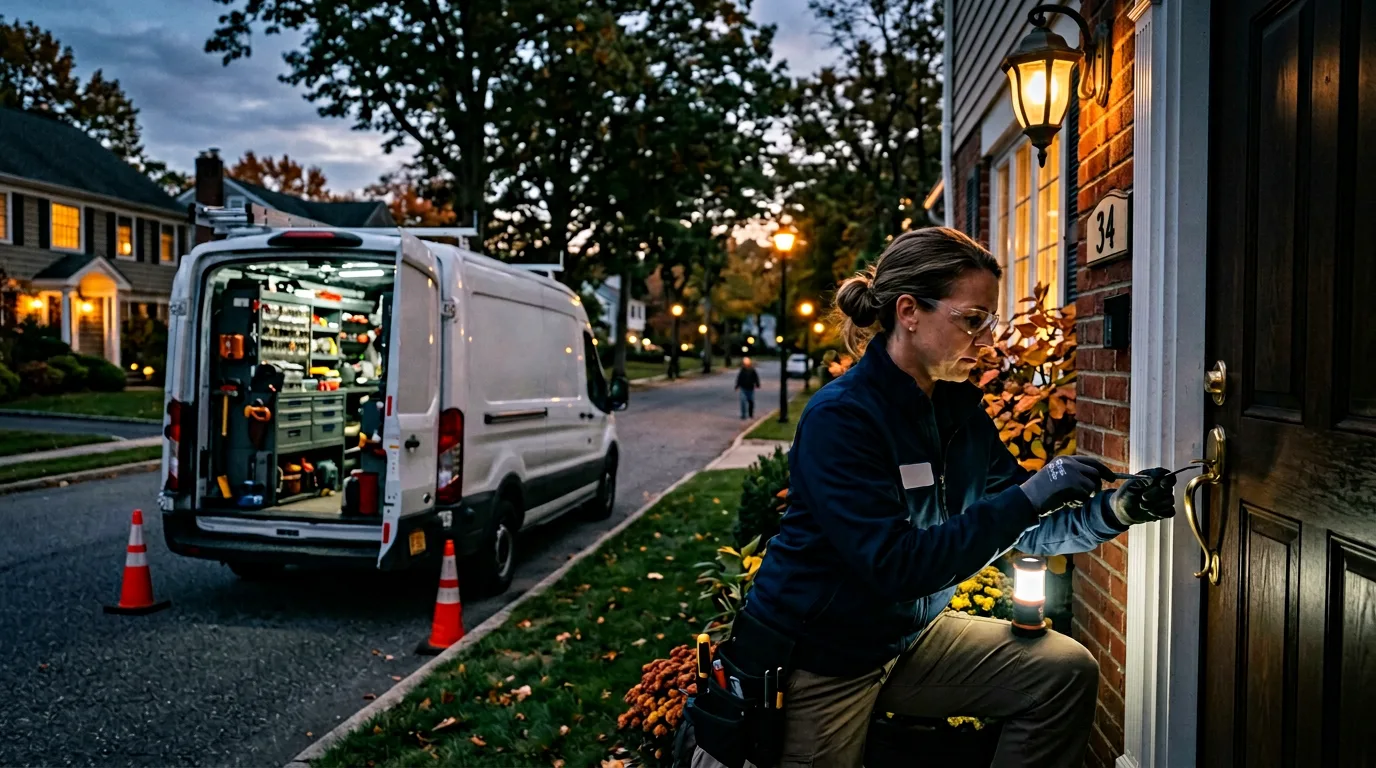
Before you call for help, collect the details that will let a professional respond faster. Note the brand and model of the lock if you can see it. Look at the keyway, the keypad, or the card reader. If there is a panic bar, check whether it is a rim exit device, a mortise exit device, or a concealed vertical rod type. Write down the door material and the type of frame.
If your business uses a master key system, find out who holds the master key and whether they are reachable. For electronic access control systems, note the system manufacturer and whether the problem might be on the software side rather than the hardware side. A lost network connection can lock everyone out even when the physical lock is fine.
This information saves time because a commercial locksmith service does not need to guess what tools and parts to bring. It also prevents unnecessary damage. A technician who knows the exact lock type can open it with the right technique rather than drilling or cutting.
Step 3: Contact a qualified commercial locksmith
Once you have the basic details, call a locksmith that handles commercial locks. Residential locksmiths may not have the equipment or experience for commercial-grade hardware, high-security cylinders, or access control systems. Look for a provider that offers mobile service and can reach your location during business hours. Explain that it is a commercial lockout during operating hours and give them the details you gathered.
Ask for an estimated arrival time and whether they carry replacement parts for your specific lock brand. Some locksmiths stock common commercial cylinders and panic bars, which can save a second trip if the lock is damaged beyond repair. Confirm the fee structure before they arrive. Most mobile locksmiths charge a service call fee plus labor, and rates vary by time of day and urgency.
Watch out for businesses that give a low phone quote but add hidden charges after the work is done. A reputable commercial locksmith service will give you a clear breakdown of costs upfront. They should also be able to show proof of insurance and licensing if you ask.
Step 4: Manage your staff and customers while you wait
While the locksmith is on the way, you need to handle the people inside or outside the building. If employees are locked out with you, find a nearby coffee shop or a shaded area where they can wait. If customers are arriving for appointments, call or text them to explain the situation and reschedule if possible. A short, honest message is better than leaving them standing at a locked door.
If staff are inside but cannot let you in because the lock is jammed from the outside, communicate through a window or phone. Tell them what is happening and how long the wait might be. Keep everyone calm. A locked door can feel stressful, but the situation is usually resolved within an hour.
Watch out for security risks during this time. An unlocked side door or open window can invite theft, especially if the lockout has drawn attention. If you have a security system, make sure it is still armed on the zones that are not affected. Do not leave the building unattended if you have to step away to make phone calls.
Step 5: Work with the locksmith on entry and repair
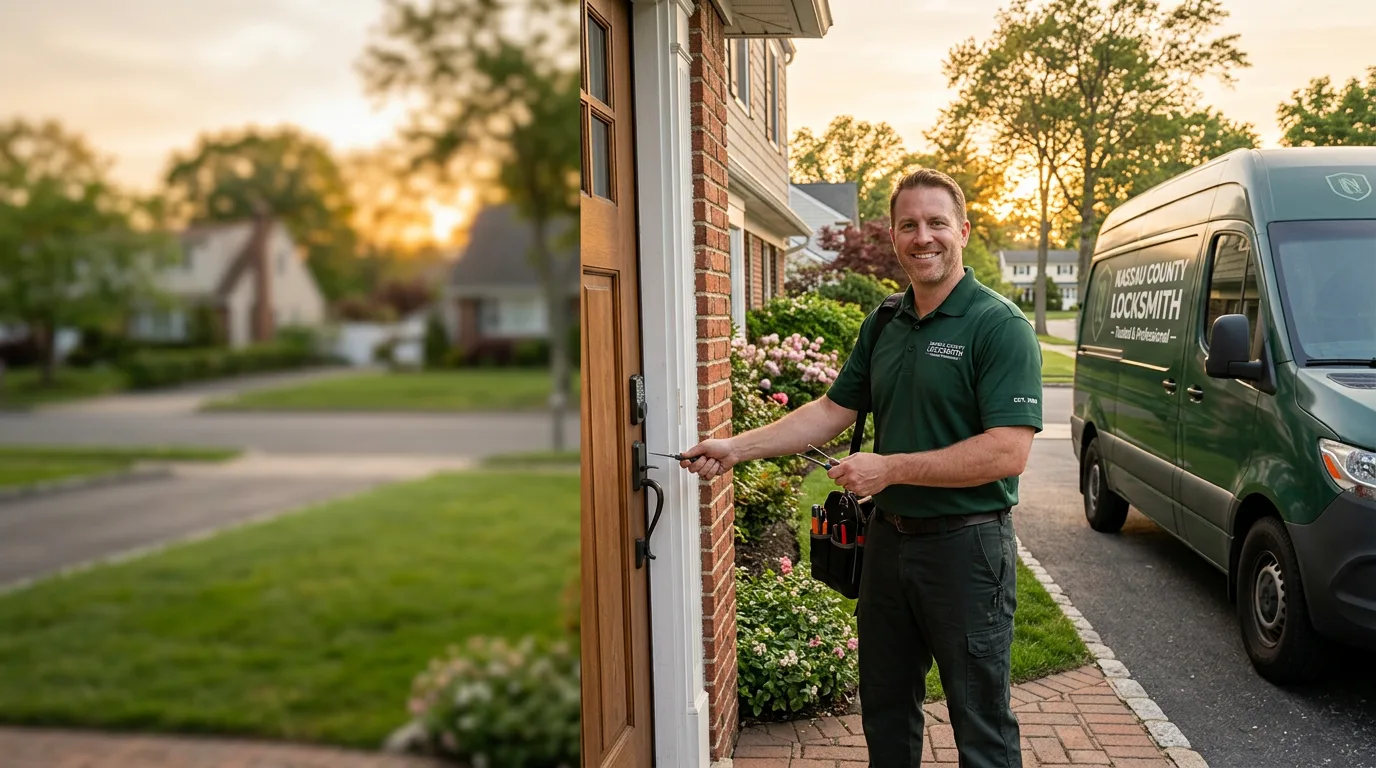
When the locksmith arrives, show them the door and explain what happened. Hand over the details you collected earlier. Let them assess the lock before you decide on a course of action. Sometimes the lock can be picked or bypassed without damage. Other times, it must be drilled out and replaced. The locksmith will explain the options and the cost of each.
If the lock is damaged, this is a good moment to consider upgrading rather than replacing like for like. A high-security cylinder with restricted keyway, an electronic lock with code access, or a panic bar with an alarm can improve security and convenience. Discuss what makes sense for your business hours and traffic patterns.
Watch out for the temptation to go with the cheapest fix. A low-cost replacement lock may not match the security level of the original or may not be compatible with your master key system. If you have multiple doors on the same key system, changing one lock to a different key can cause problems later. Make sure the new lock works with your existing keys or that you get new keys for all affected doors.
Step 6: Restore access for everyone who needs it
Once the door is open and the lock is repaired or replaced, you need to get keys or access codes to everyone who needs them. If the locksmith changed the cylinder, you will need new keys cut for each employee who had a key to that door. For electronic locks, reprogram the codes and test each one before the staff leaves for the day.
Update your key cabinet or key log if you keep one. Remove the old key from your system and record the new key code or bitting. If the lock is part of a master key system, note the change and notify the property manager or building owner if required.
Watch out for employees who may have copied keys without authorization. A lockout is a good time to review your key control policy. Consider rekeying other doors if you suspect that unreturned keys are still out there. A property manager can help coordinate rekeying across multiple tenants if needed.
Step 7: Prevent future lockouts
After the immediate problem is solved, think about what caused the lockout and how to avoid it next time. Common causes include a worn key that no longer turns the lock smoothly, a dead battery in an electronic lock, a misadjusted door closer that lets the door latch bind, or a key that was left inside the building. Each of these has a straightforward fix.
Schedule regular maintenance for your commercial locks and access control systems. A quarterly inspection by a qualified technician can catch worn parts before they fail. Lubricate cylinders with the right product, check battery levels in electronic locks, and adjust door closers so the latch aligns properly with the strike plate.
Keep a spare key or access card in a secure but accessible location outside the building. A key cabinet with a combination lock bolted to an exterior wall can hold emergency keys for authorized staff. Make sure the combination is known only to people who need it and that it is changed periodically.
For businesses with multiple employees, consider an access control system that does not rely on physical keys. Keypad codes, fobs, or mobile app access can be revoked remotely if someone leaves or loses their credential. These systems also create an audit trail that shows who entered and when, which is useful for security and for resolving disputes about who was the last person to lock the door.
Final thoughts
A commercial lockout during business hours is frustrating, but it does not have to ruin your day. By staying calm, checking the simple things first, calling the right help with the right information, and handling your people and customers with care, you can get through it quickly and learn something that makes your business more secure in the long run. The key is to act methodically rather than react emotionally, and to treat the situation as a chance to improve your access systems, not just a hassle to endure.